
 ohyhyh:
How do I close a question?
 carmelle:
Press the close button :)
 lizzie777:
it is right under the words this question is open
ohyhyh:
what abt for old posts
ohyhyh:
i cant find them
 Isry:
Isry:
They’re probably already closed.
 ramen:
Well do you know what subject it is in?
ohyhyh:
math, social studies, ect
ramen:
so you have multiple open posts in those subjects?
lizzie777:
u can only have one question per post so go to the subjects and look and see if there is any of ur questions
lizzie777:
if u do then click on it and close the post
ohyhyh:
how do you chose a subject
ramen:
Click the 3 bars on the top left of the page. Then click that drop down menu to select a subject.
lizzie777:
Most likely you already have a question open in that subject. You can have one question open per subject at one time, so if you already have an open question it must be closed before posting a new one. If you are having trouble finding it, try switching to the subject the question is posted in, it should then appear in the "Ask a Question" box. If you are still having trouble's you can contact a moderator and we will assist.
ramen:
Follow lizzie's advice and you should be fine :)
lizzie777:
thx u
ramen:
np
lizzie777:
@ohyhyh did u furgure it out
ohyhyh:
i dont know where to change subjects altho i did go to three lines top left
 ramen:
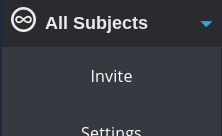
Click that black rectangle at the top. I'm not sure if yours says all subjects though.
ohyhyh:
doesnt say that 4 me
ramen:
What does it say? Well just click it anyway
lizzie777:
when u click on the 3 lines u will see the words all subjects then u click on it and i will show u all the subjects then click on them and see which one has questions when u find them click on ur open question and close it
lizzie777:
it*
ohyhyh:
all i see is where it says invite and below. dont see all subjects
ohyhyh:
and im scrolled all the way up
ramen:
Can you screenshot it and paste it here?
ohyhyh:
what are keys to screenshot
ramen:
Just what does it say in that black rectangle box for you?
lizzie777:
screen shot what is showed after u clicked the 3 lines
ohyhyh:
i dont have a rectangle
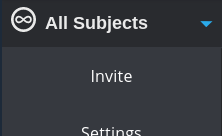 ohyhyh:
idk how to screen shot. explain?
lizzie777:
just click on the 3 lines and screen shot it
ramen:
Do you see my screenshot, just click that blue down arrow on the right side.
lizzie777:
what device do u have
ohyhyh:
school laptop
ramen:
Chromebook?
lizzie777:
u click comand shift 3 at the same time
ohyhyh:
what is command
ramen:
Control=Command.
lizzie777:
ctrl=command
 ohyhyh:
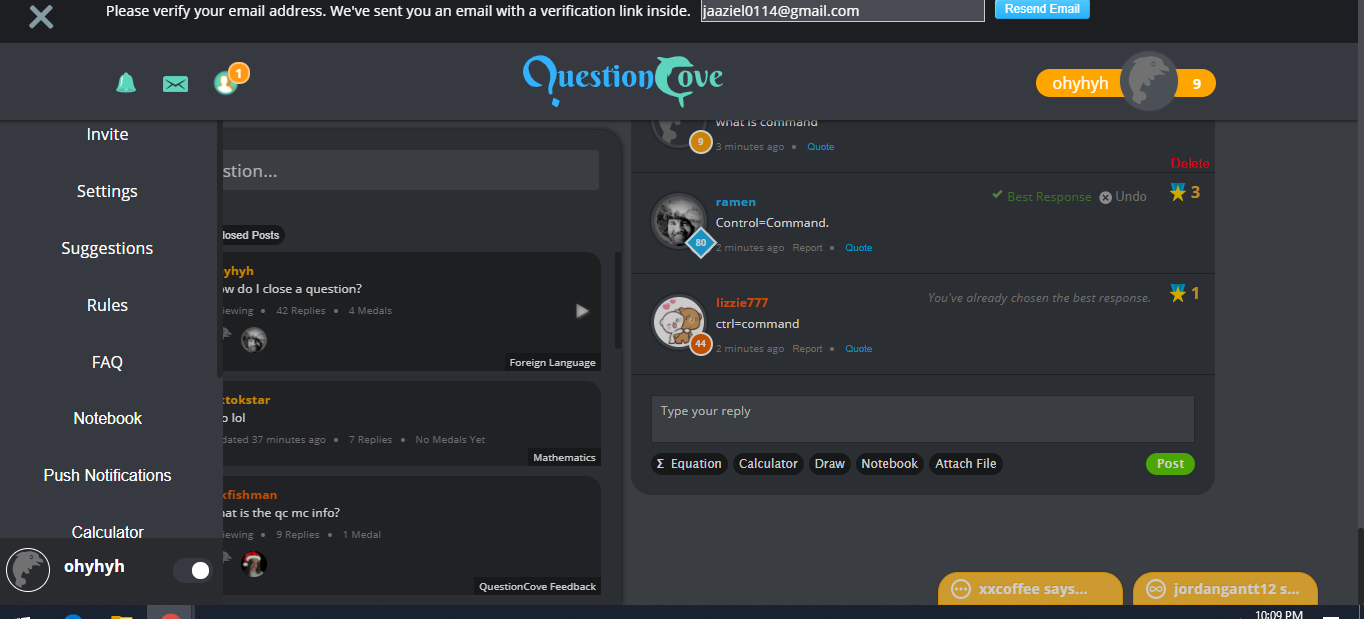
there it is
ramen:
Bro you aren't scrolled up. Put your mouse to the left side where the list is, and scroll up.
lizzie777:
ok thx now since u dont have the button tell a monitor and they will close it all
ramen:
Mine looks like this.
lizzie777:
\(\color{#0cbb34}{\text{Originally Posted by}}\) @ramen Bro you aren't scrolled up. Put your mouse to the left side where the list is, and scroll up. \(\color{#0cbb34}{\text{End of Quote}}\) well when u scroll it will still show the all subject button so i dont think he has it
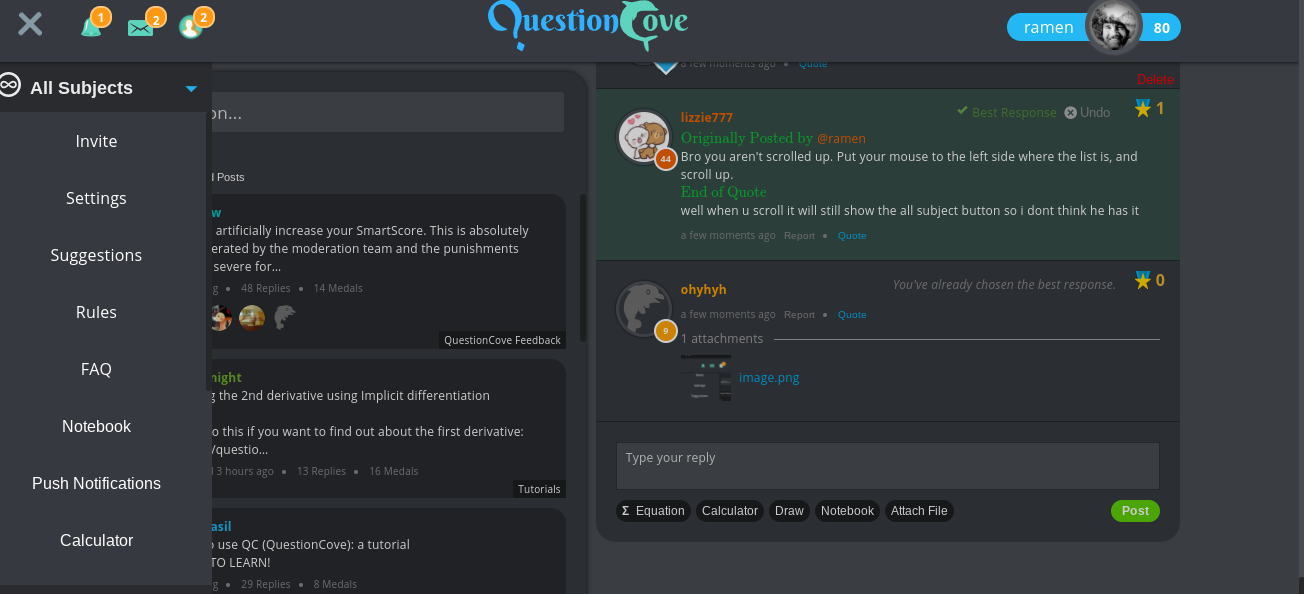 ramen:
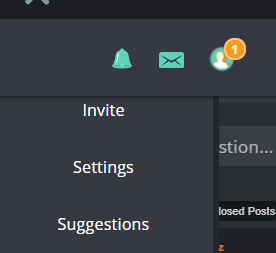
Yea ig u are scrolled up, hmmmm I'm not sure rn.
lizzie777:
contact a moniter and they will close it all
ramen:
You mean moderator?
lizzie777:
yes sorry typing to fast lol
lizzie777:
auto correct lol
ramen:
I also think you should contact a mod bc I'm not sure what is wrong. Maybe you have to verify your email?
lizzie777:
that could be it too
ohyhyh:
okay
ohyhyh:
thx for trying to help
lizzie777:
so welcome we tried our best but we aint experts
lizzie777:
well probaly ramen but not me lol
ramen:
Np. lol u tried to lizzie
ohyhyh:
nah both
ohyhyh:
thx
ramen:
ofc
lizzie777:
\(\color{#0cbb34}{\text{Originally Posted by}}\) @ramen Np. lol u tried to lizzie \(\color{#0cbb34}{\text{End of Quote}}\) thx
ramen:
\(\color{#0cbb34}{\text{Originally Posted by}}\) @lizzie777 \(\color{#0cbb34}{\text{Originally Posted by}}\) @ramen Np. lol u tried to lizzie \(\color{#0cbb34}{\text{End of Quote}}\) thx \(\color{#0cbb34}{\text{End of Quote}}\) np
lizzie777:
i hope u can fugure it out
lizzie777:
figure
ohyhyh:
okay have a good one
ramen:
you too.
Join our real-time social learning platform and learn together with your friends!
VERNEISH:
Two objects are moving along separate linear paths where each path is described by position, d, and time, t.

 Maci:
what are the best stock apps for people who want to start investing?
Maci:
what are the best stock apps for people who want to start investing?
 Twaylor:
genuienly how do i get better self control i keep watcing youtube and theres this
Twaylor:
genuienly how do i get better self control i keep watcing youtube and theres this
 IzzyCookie:
|dw:1792074056138:dw| Uhm, I don't know where to ask this, but I'm in college welding at my community college, and I need help learning vertical welding for
IzzyCookie:
|dw:1792074056138:dw| Uhm, I don't know where to ask this, but I'm in college welding at my community college, and I need help learning vertical welding for

 thehearken:
not sure if this is considered spam, im sorry if it is, but does anyone have tips
thehearken:
not sure if this is considered spam, im sorry if it is, but does anyone have tips