
 Extrinix:
New Theme Release- with a twist Hello again QC! I found myself trying to make something a little different from my other themes, and that was a [i]template theme[/i]. Not what I planned on, but I found a cool way to replace the tags that were originally on the moderator, ambassador, and even subscriber, and make them slightly different.
Extrinix:
I have 3 minimalist templates currently, that of which are a Bracket [] Minimalist, a LT/GT <> Minimalist, and an Emoji 🛡️⭐ Minimalist. These will be included below, along with a picture and the JSON file. (If you need to know how to upload this, just go to the Theme Creator, go under +JSON, and click the word "Upload," then choose the JSON file, or, you can copy the JSON text and paste it in the text area under +JSON)
Extrinix:
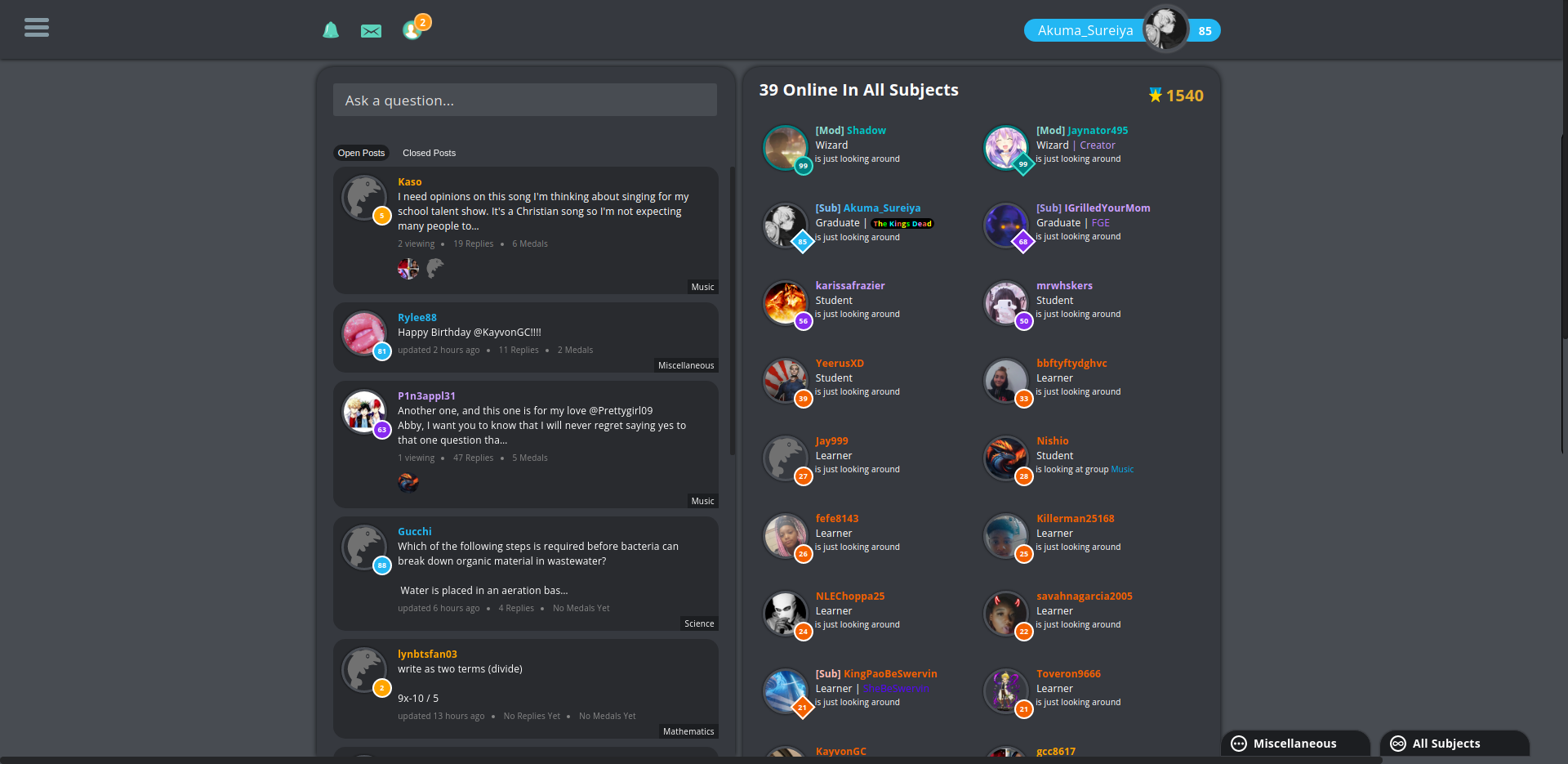
The bracket minimalist template changes all of the tags to [Mod], [Ambi], and (for those who have them). Mind you, do not change the order of the inputs, as it could cause unexpected results (Mod must be on top and then followed by ambi and sub (in respective order)).
 Extrinix:
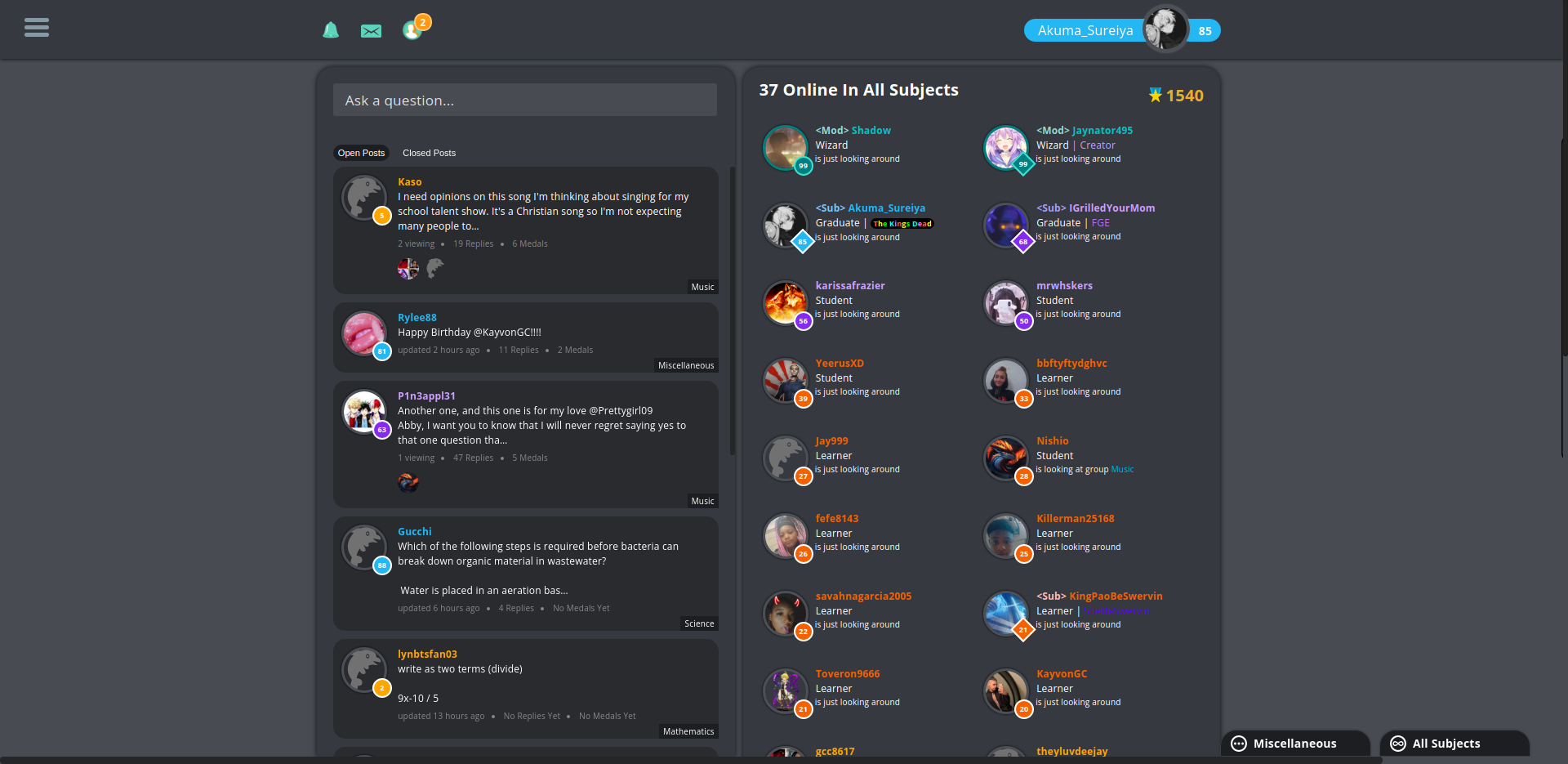
The less than/greater than minimalist template changes all of the tags to <Mod>, <Ambi>, and <Sub>. Once again: mind you, do not change the order of the inputs, as it could cause unexpected results (Mod must be on top and then followed by ambi and sub (in respective order)).
 Extrinix:
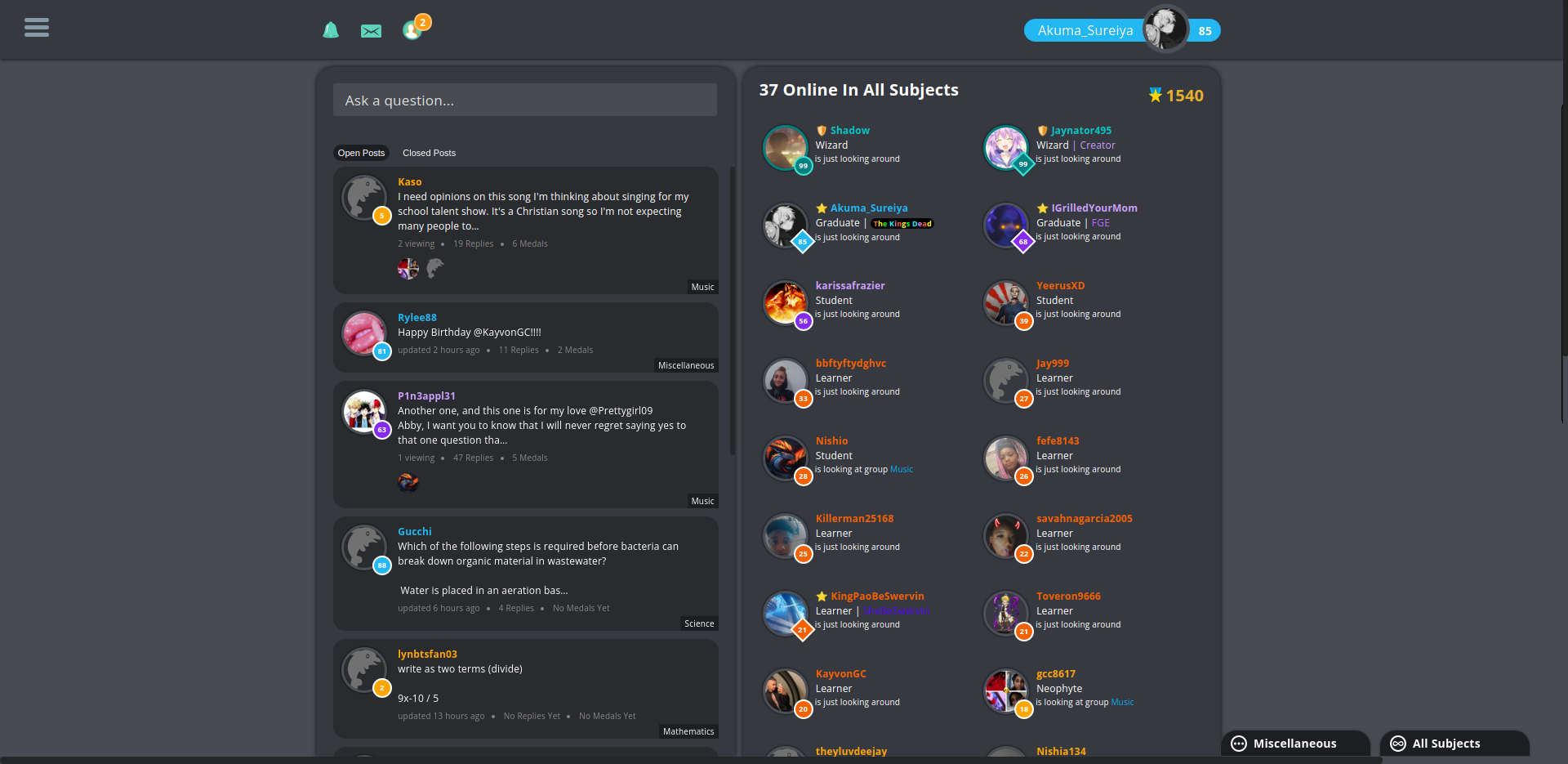
The emoji minimalist template changes all of the tags to 🛡️ (mod), 🇺🇳 (ambi), and ⭐ (sub). Once again: mind you, do not change the order of the inputs, as it could cause unexpected results (Mod must be on top and then followed by ambi and sub (in respective order)).
 Extrinix:
Have fun! \(\style{font Family:Arial; text-shadow: 2px 2px 3px white, 0 0 10px white, 0 0 5px white;color:#23B7F3;font-size:100px;padding:50px;width:500px;height:100%;position:absolute;left:0;z-index:500;text-align:center;} {\Huge\sf\color {} {{-~Akuma~matata}}}\)
 Jasonisyours:
Ok
 FrogGirlEmmy:
How do i add this onto my current theme?
Extrinix:
Inside of the first set of {}, copy all of it and paste it in above your current theme (after its first {} obviously) Oh and, don't forget to add a comma after you paste it in, because the last item doesn't have a comma after it.
FrogGirlEmmy:
wut
Extrinix:
For example: {"element > path":{"css-style":"current-styling"}} If that was your json, you'd paste my file (minus its own first {}) into yours after the red opening bracket ( { ) and then add a comma afterwards: {"added > element > path":{"added-css-style":"added-current-styling"},"element > path":{"css-style":"current-styling"}} Be mindful of the cyan colored comma, that's what you must add in.
 Timmyspu:
Very cool ext!
 mtzmario8612:
Extrinix:
 Extrinix:
What did you-
 Astrid1:
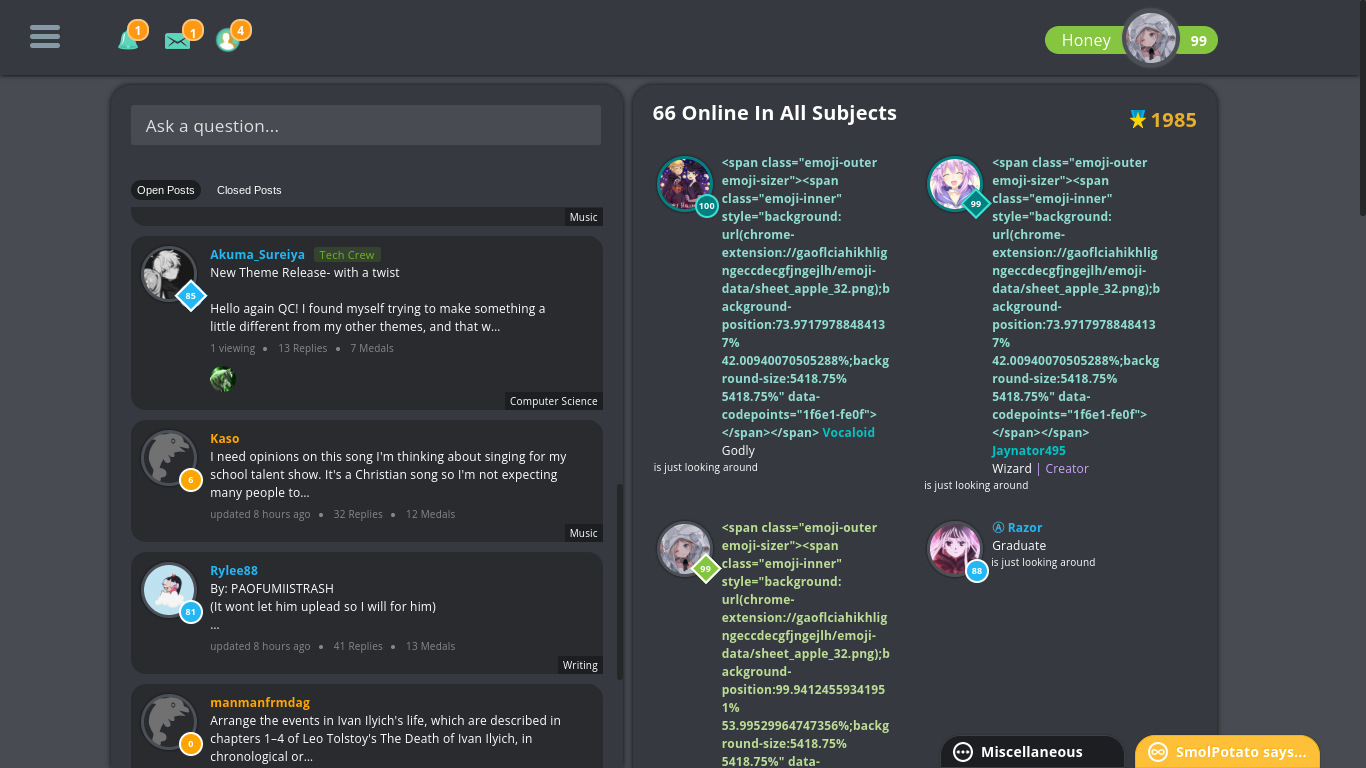
I saved the Json and uploaded it to the json thingy and saved it, and it did this.
Extrinix:
Weird, it doesn't do that on any computer I use ¯\_(ツ)_/¯
FrogGirlEmmy:
Bruh
Astrid1:
Guh thats weird umm, what do i do then lkfsdljf
FrogGirlEmmy:
yall blowin up my notifs
Astrid1:
 madz2345:
 Sharkattack123:
Niceee
 Shottafam:
BAHAHA
 LillPerson:
Nice.
 Arieonna:
awsome
Join our real-time social learning platform and learn together with your friends!
VERNEISH:
Two objects are moving along separate linear paths where each path is described by position, d, and time, t.

 Maci:
what are the best stock apps for people who want to start investing?
Maci:
what are the best stock apps for people who want to start investing?
 Twaylor:
genuienly how do i get better self control i keep watcing youtube and theres this
Twaylor:
genuienly how do i get better self control i keep watcing youtube and theres this
 IzzyCookie:
|dw:1792074056138:dw| Uhm, I don't know where to ask this, but I'm in college welding at my community college, and I need help learning vertical welding for
IzzyCookie:
|dw:1792074056138:dw| Uhm, I don't know where to ask this, but I'm in college welding at my community college, and I need help learning vertical welding for

 thehearken:
not sure if this is considered spam, im sorry if it is, but does anyone have tips
thehearken:
not sure if this is considered spam, im sorry if it is, but does anyone have tips